Getting started
Getting started as a brand
The four setup steps on Getting started, and what to do first after you sign in.
Sign in
Growth Dept Creator is invite-only for brands. Accept the invitation from your email, then sign in at creator.growthdept.ai/login. Owners sign in with Google; other teammates can also use a password with two-step codes, a passkey or your company's single sign-on.
The setup checklist
A new brand opens on Getting started, with four steps and a bar that fills as you finish them:
- Connect your store, so sales from creator links and codes are counted from the store's orders.
- Create your first campaign: what creators earn, what they post and the sales it brings in.
- Add creators: import the ones you already work with, or invite new ones to a campaign.
- Connect a mailbox, so outreach and replies go from your own address.
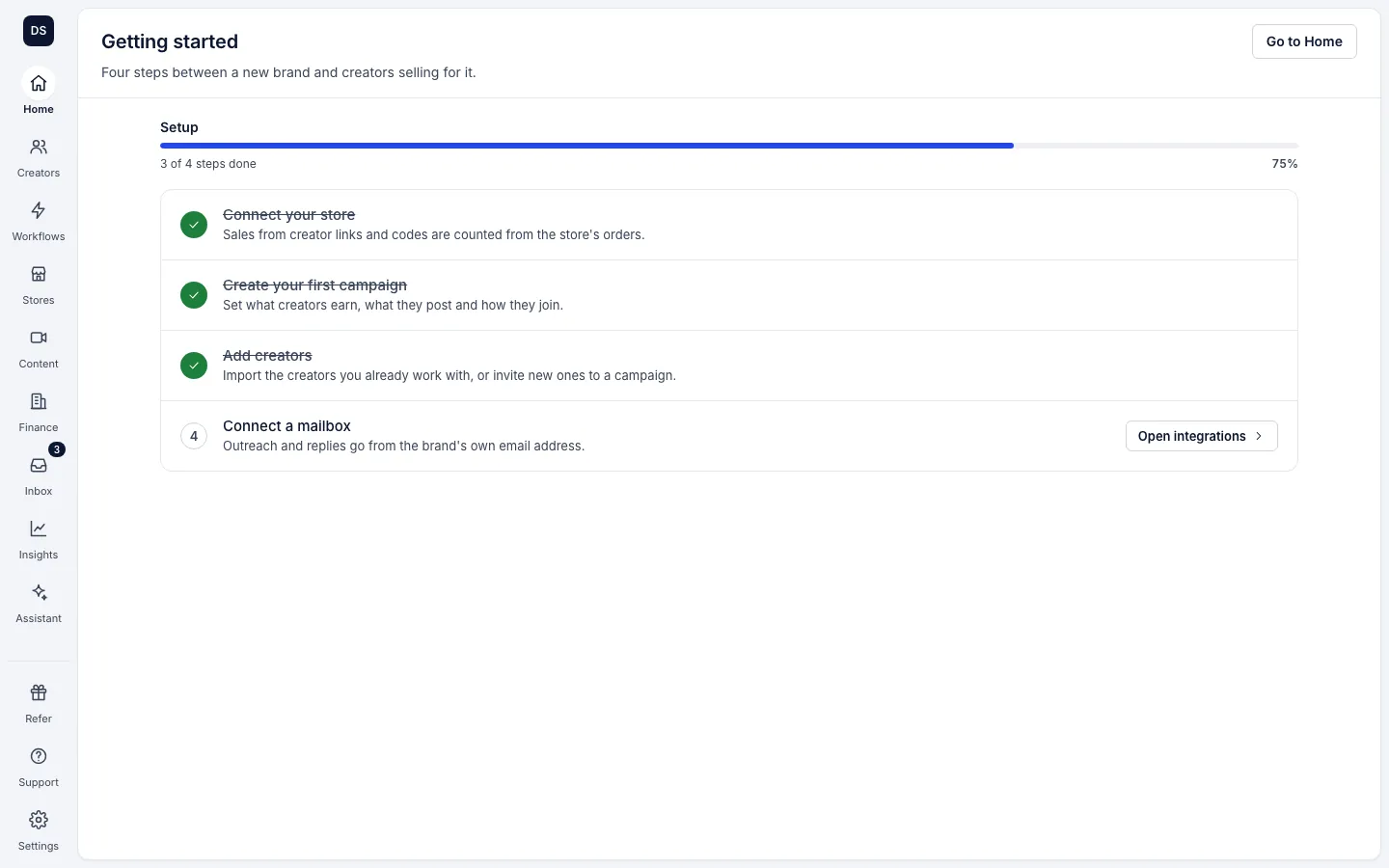
Once every step is done, the brand opens on Home instead.
Invite your team
Go to Settings, Team and choose Invite teammate. Pick a role: Owner, Admin, Manager or Read only, or a custom role with a level for each area of the app.
Your agent
Brands that work with Growth Dept get their agent linked. Others can ask their Growth Dept rep. Once linked, open the assistant from the left rail or ask from the box at the top of Home.
Something not right in this article? Tell us.