Creator pay, worked out and approved in one place
Commission, paid posts, view bonuses, fixed fees and adjustments add up for each creator, cycle by cycle. Your team reviews the run and approves it, and every approval is recorded.
Payouts are worked out and approved today. Sending the money starts once the payout provider is set up.
Everything owed
One list of what each creator is owed
Payouts shows every creator's amount for the cycle with the commission, bonuses and fees behind it. Filter by status, campaign or cycle, add a one-off payout, export the list, and approve what is due.
Approve in one run
Select what is due and approve it together; each approval names the person who gave it.
Pay your usual way meanwhile
Until the payout provider is live, approved payouts can be marked paid once you have paid them.
Creators see it too
Each creator sees what they earned, from which brand and campaign, and what has been paid.

Deal types
Every way you pay a creator
Commission on sales
A share of each credited sale, by campaign or by tier.
Paid posts
A fee for each approved post or video.
Pay per view
Bonuses on views, worked out per post and per cycle.
Fixed fees and retainers
A set amount for a campaign or every month.
Tiers
Rates that step up as a creator sells more.
Ad revenue shareNot live yet
A share of what a creator's partnership ads sell.
No surprises
Explained line by line
Any payout can be opened to the orders, posts and fees that make it up. Your agent can walk through one in plain words, and creators see the same lines in their own earnings.

Activity
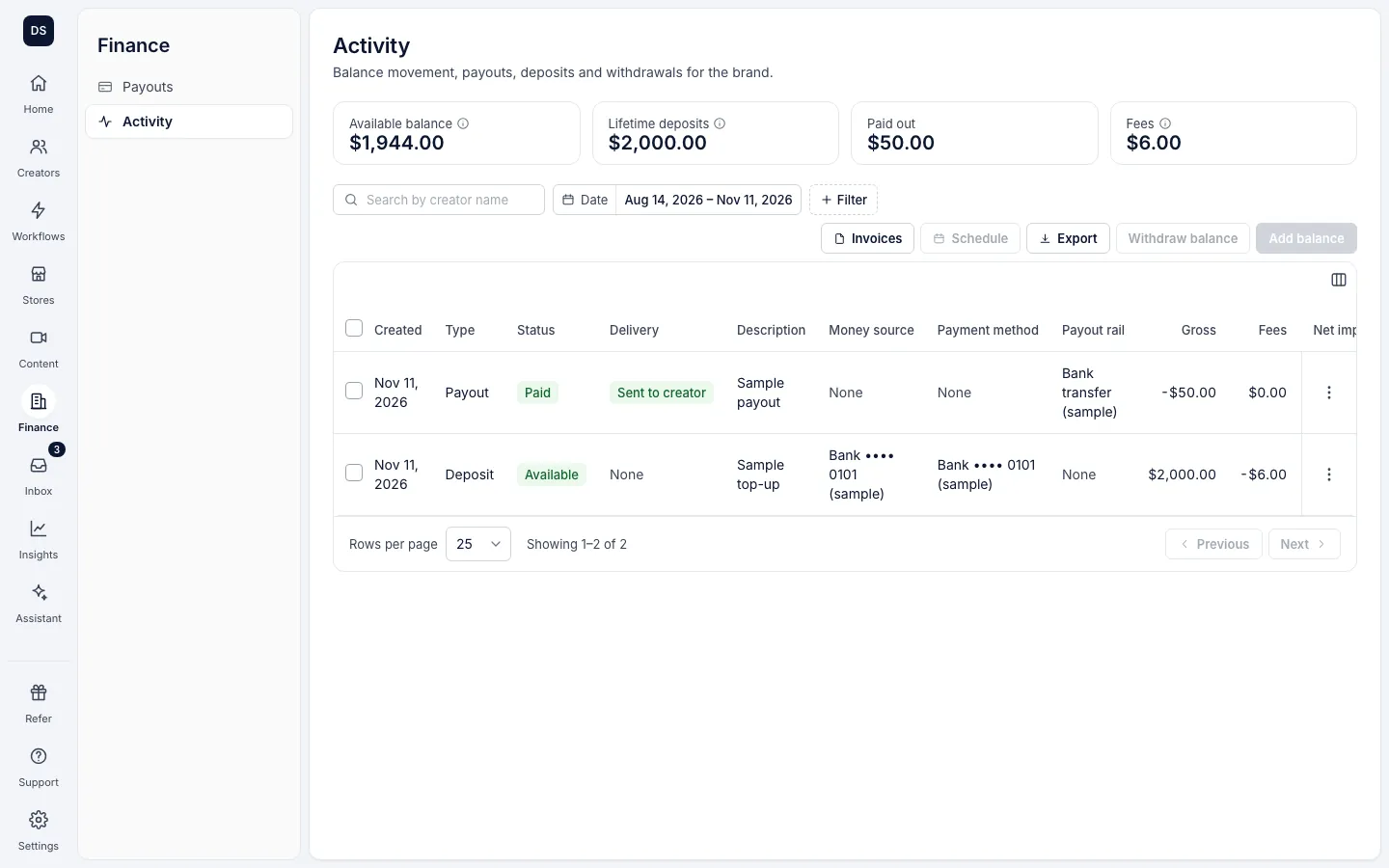
Deposits, payouts and fees in one ledger
Finance activity lists money in and out for the brand, with each entry's type, status and delivery. Invoices for creators who bill you sit beside it.